Command Center
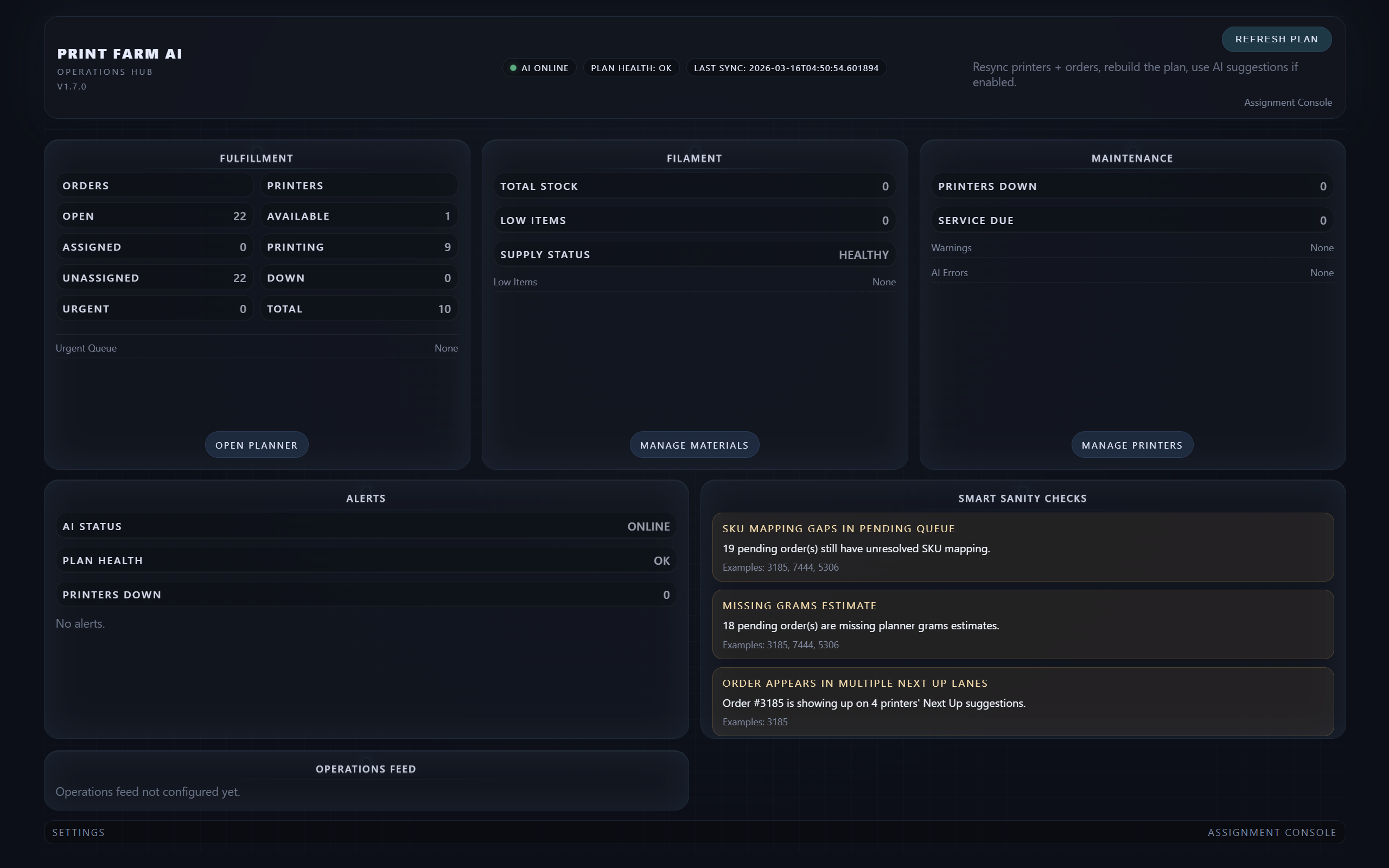
The Command Center provides a real-time overview of the entire print farm including order workload, printer availability, filament status, and AI planner health.
Walk through the main operating screens of Print Farm AI Manager and see how the system supports real production workflow across orders, printers, and planning.
Use the guided tour to step through the major screens used by the print farm operator.
The Command Center provides a real-time overview of the entire print farm including order workload, printer availability, filament status, and AI planner health.
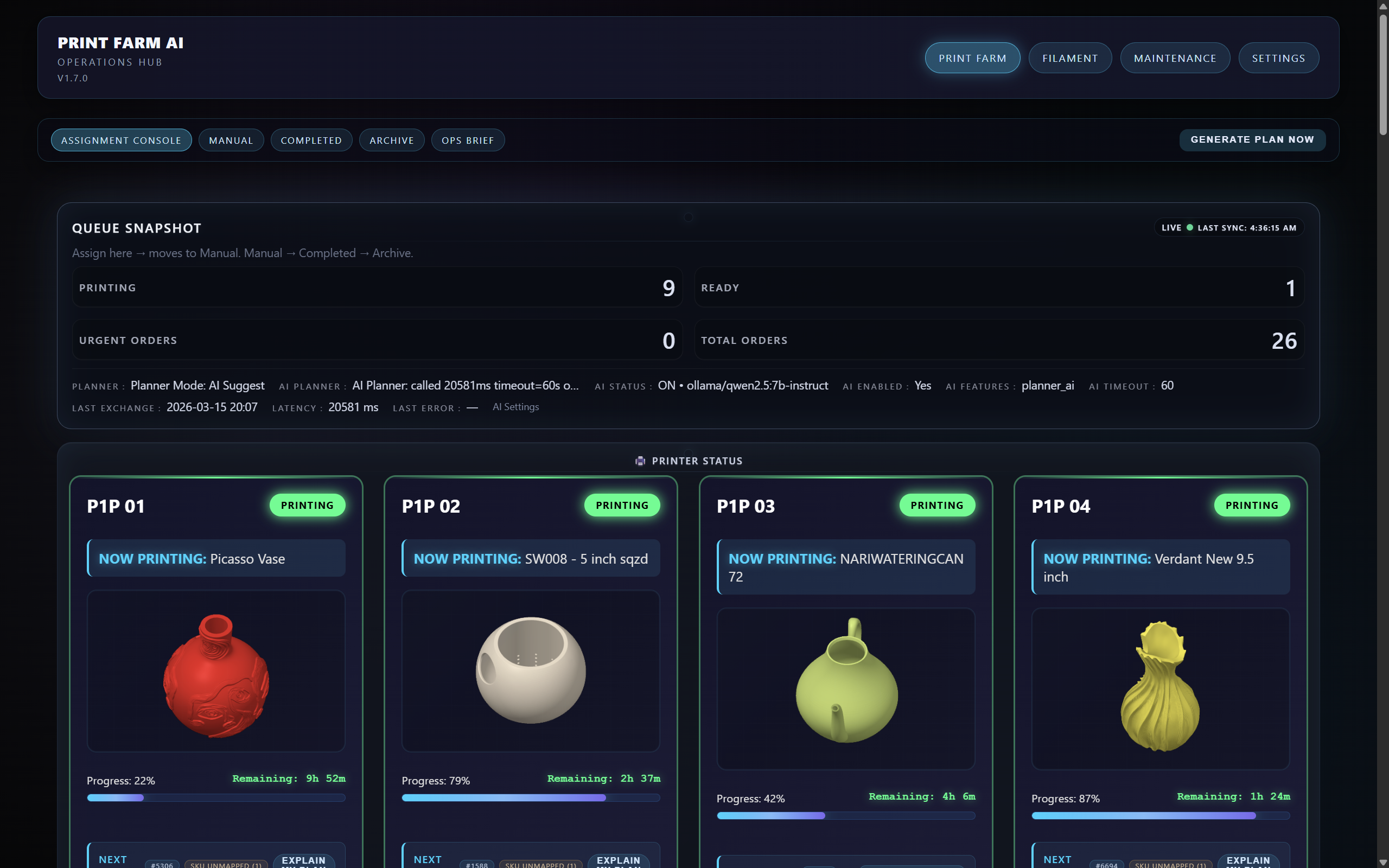
The Assignment Console shows each printer, the current job, progress, and the next recommended print based on planner logic.
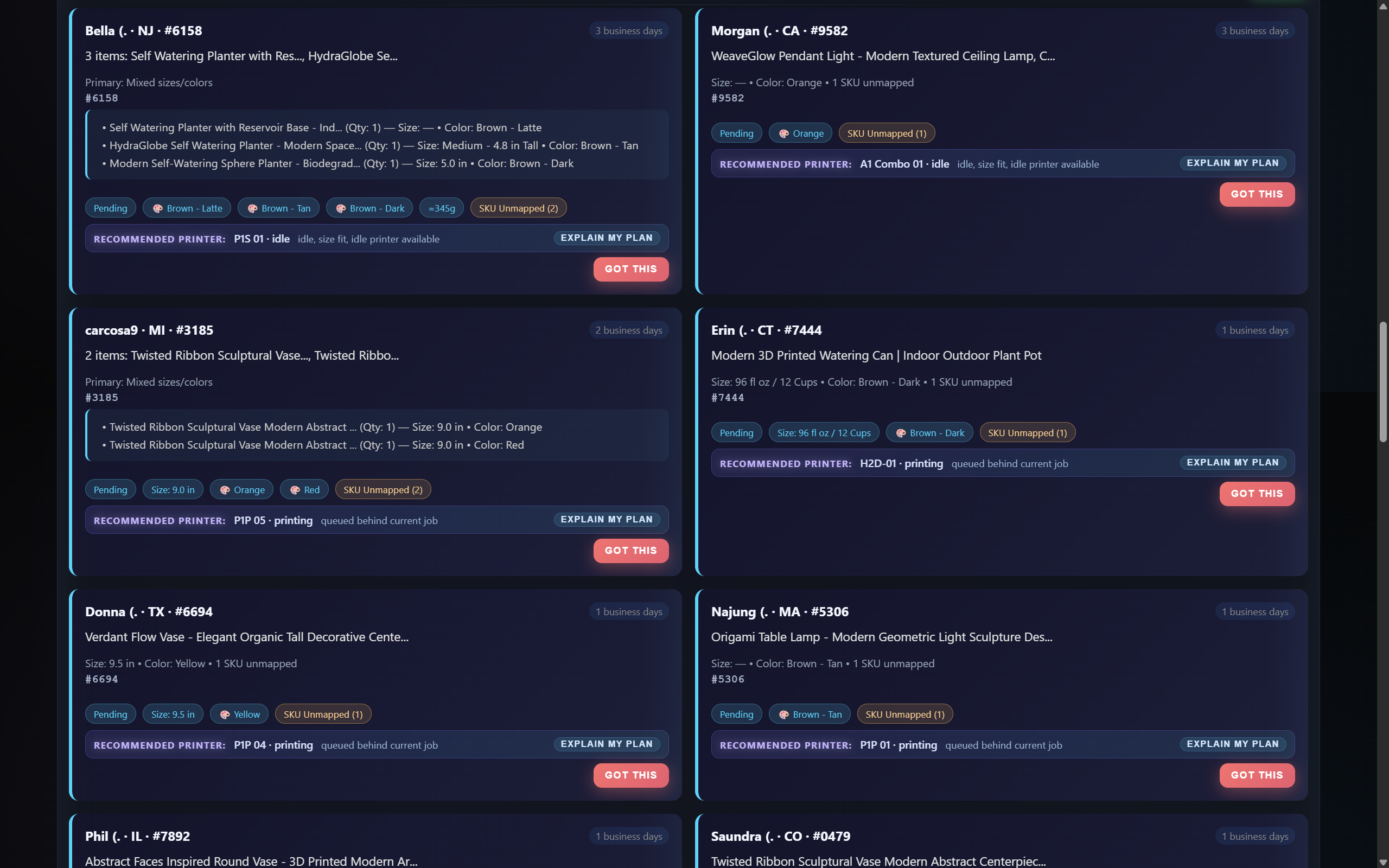
Orders imported from Etsy appear in the Pending Orders queue where the planner analyzes SKU mapping, printer readiness, and job timing.
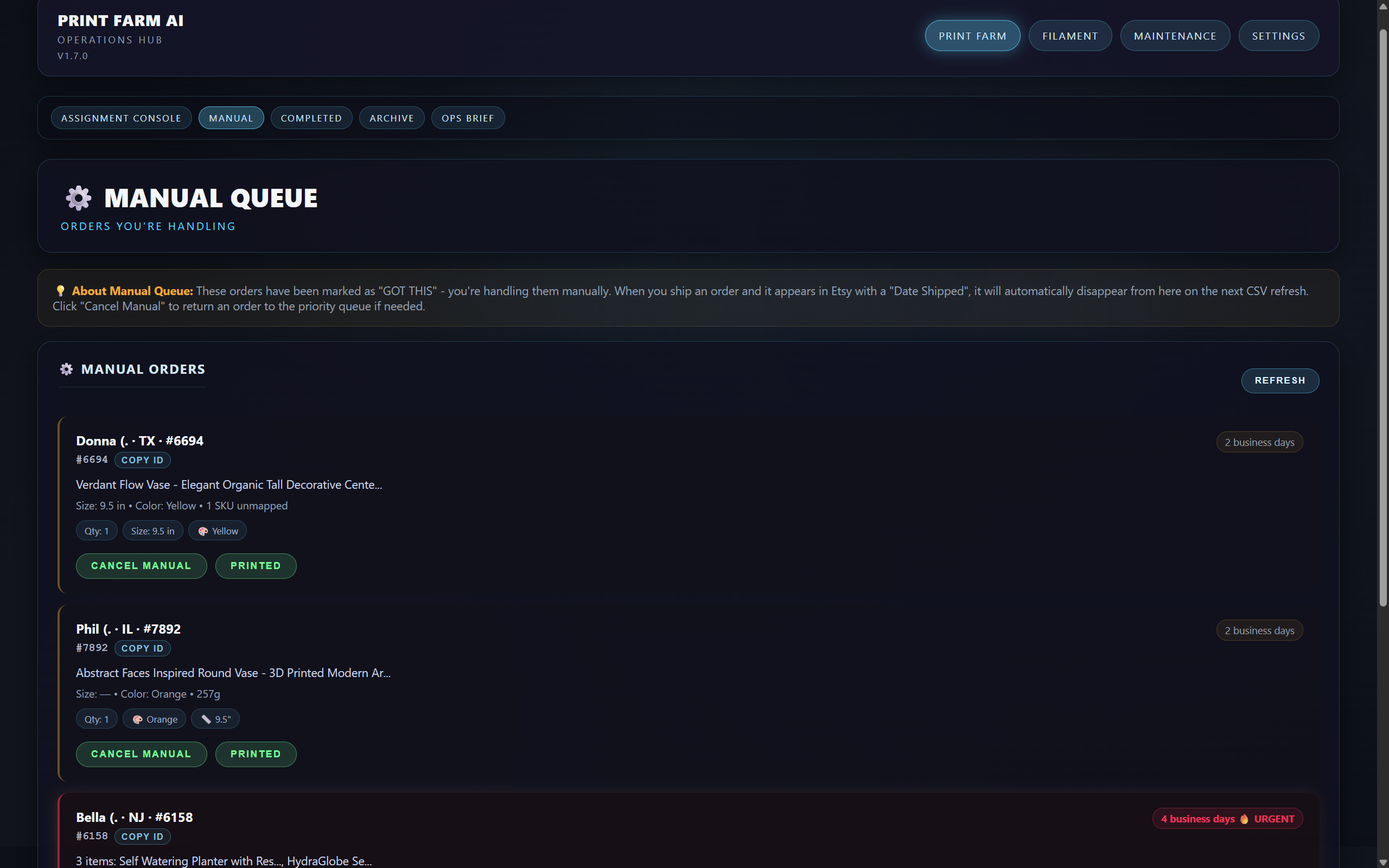
Operators can temporarily handle orders manually when special requests or troubleshooting is required.
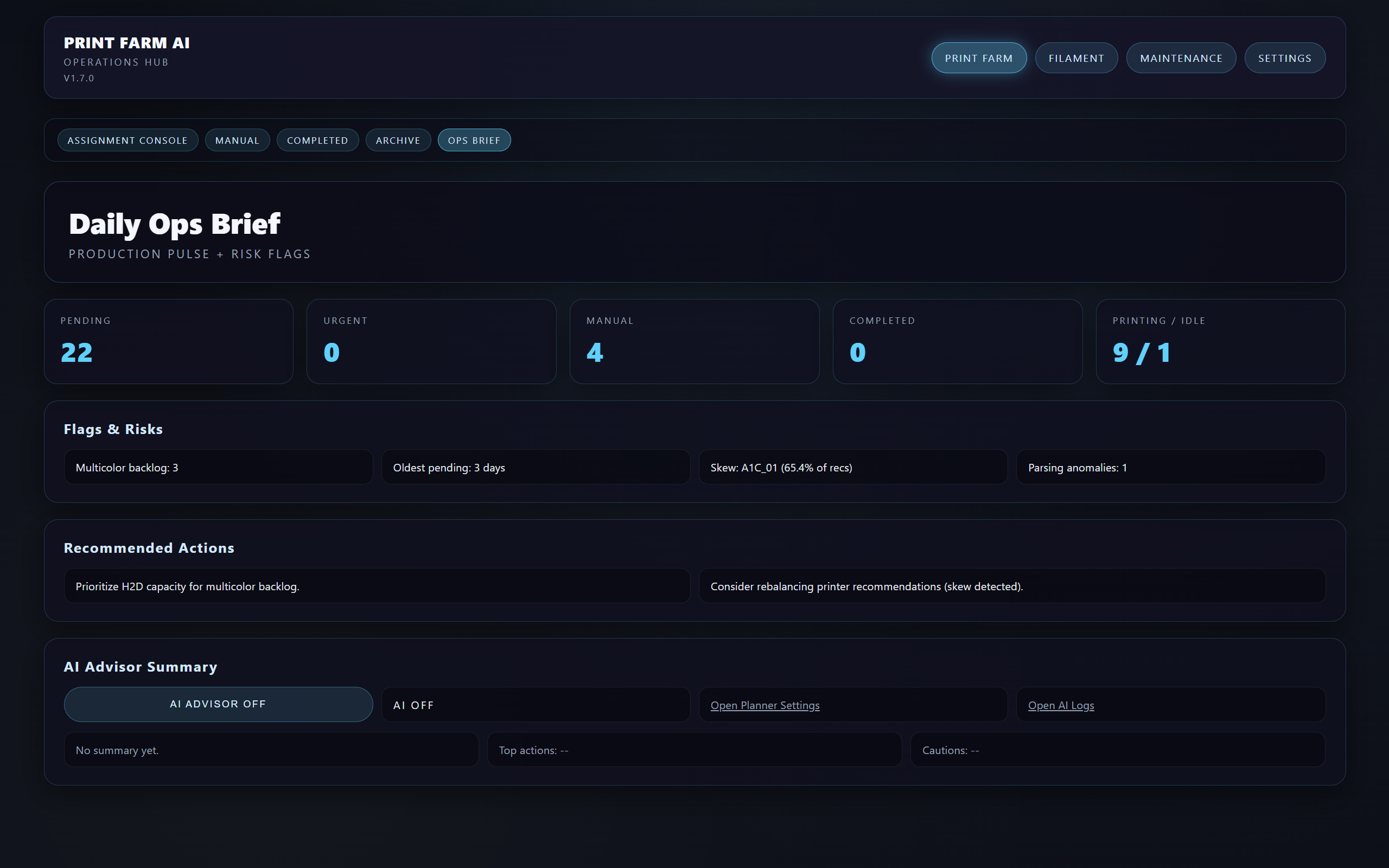
The system summarizes the current production state and highlights backlogs, anomalies, and operational risks.
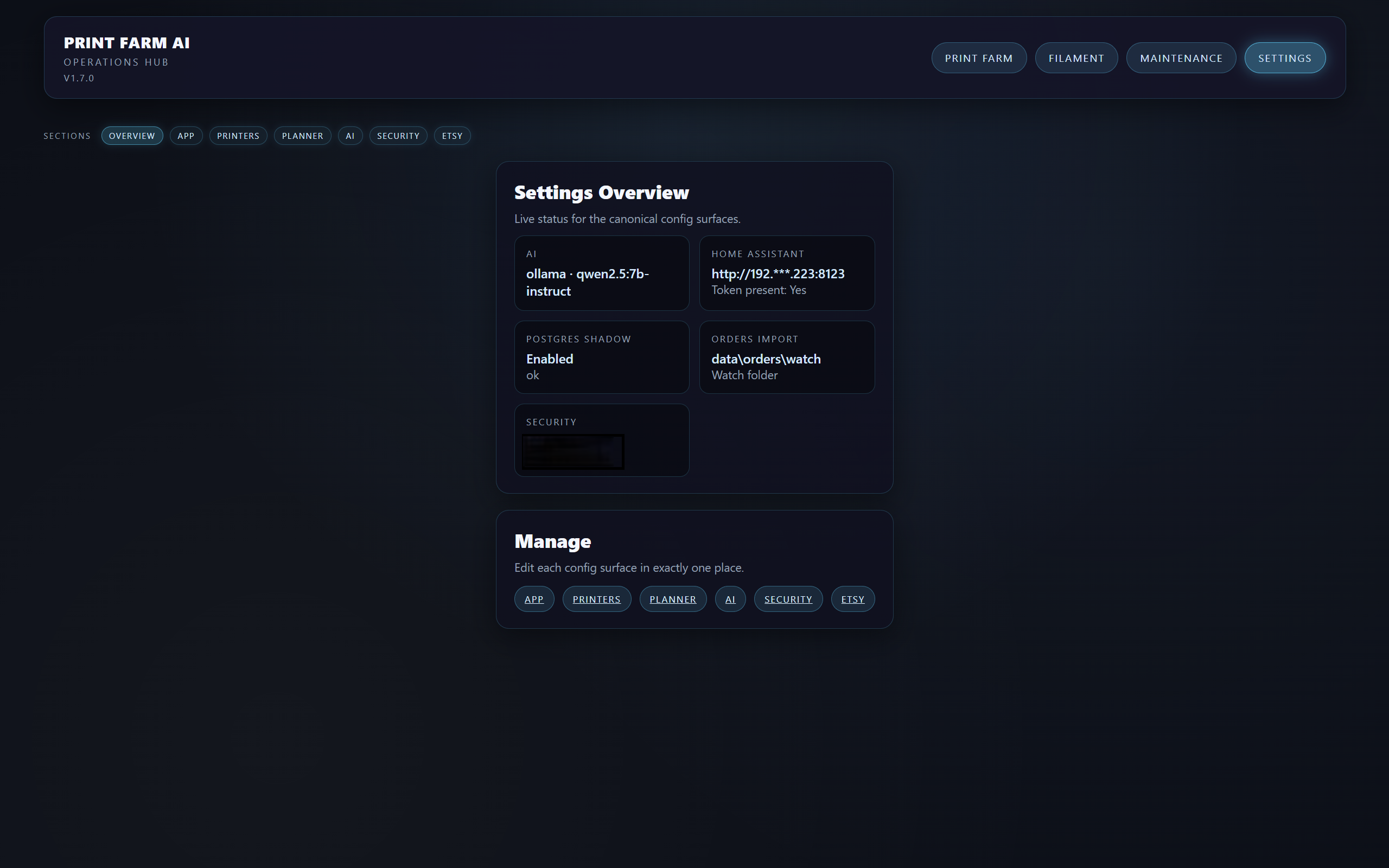
All integrations including AI models, order import configuration, and system services are managed from a centralized interface.
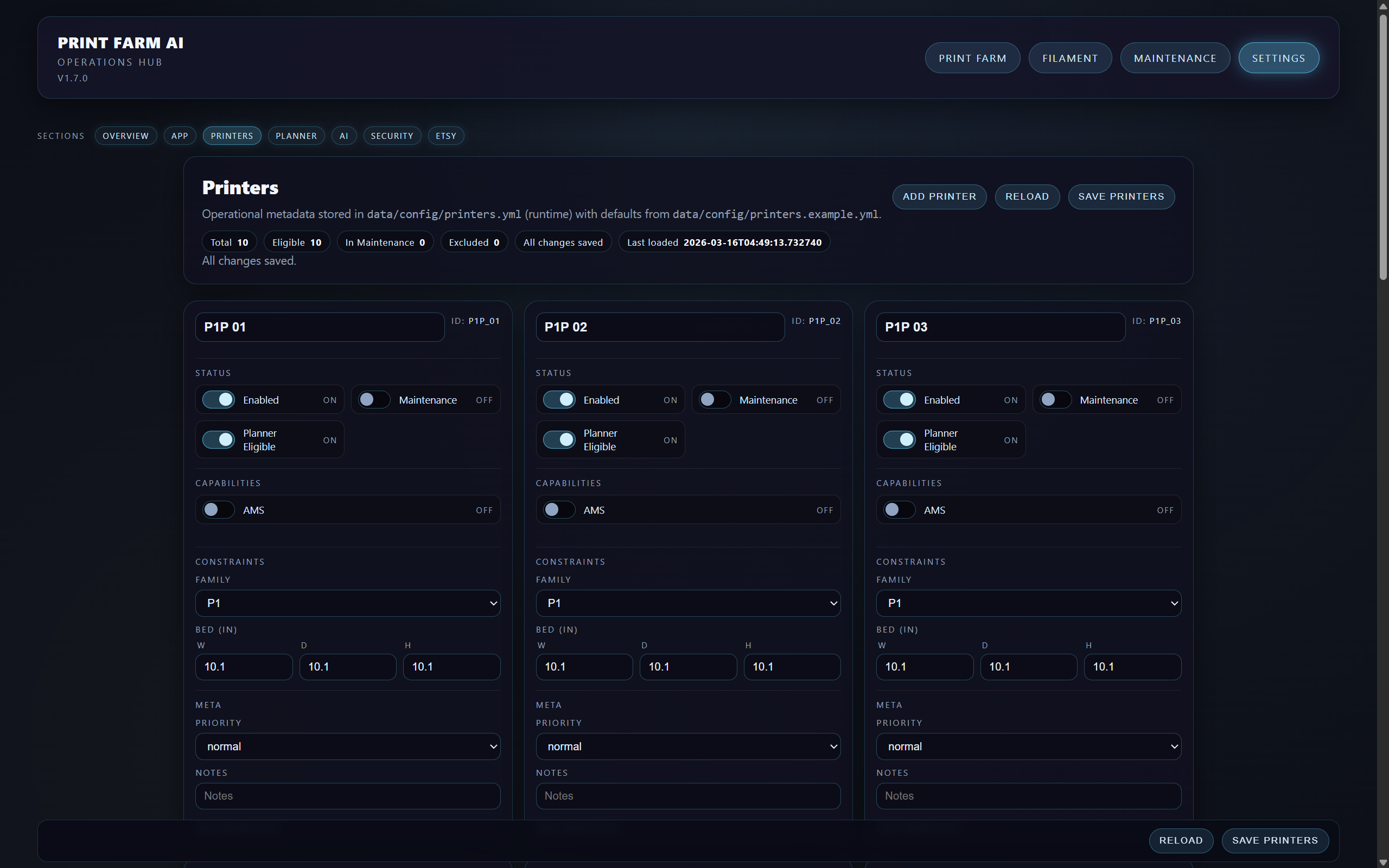
Each printer can be configured with capabilities, bed size, and planner eligibility so the system can recommend the correct machine.